

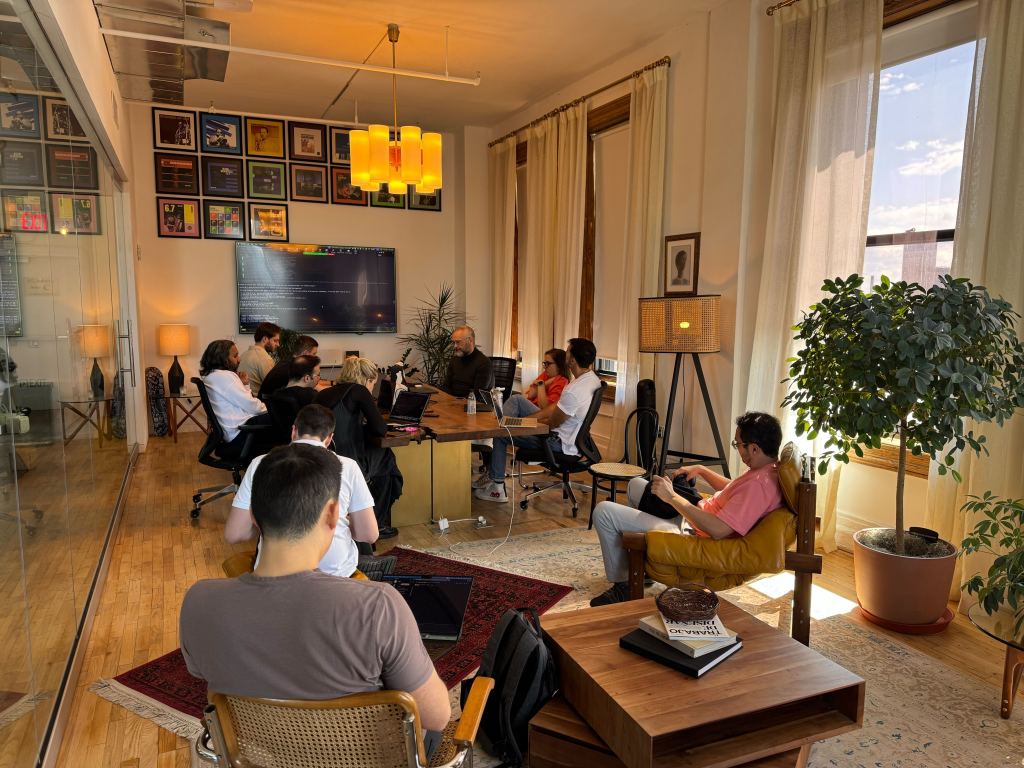
When Automattic recently launched a month‑long hackathon, engineers Mark Biek and Evan Tobiesen knew exactly what they wanted to work on: the Simplenote Model Context Protocol (MCP) server.
Neither Mark nor Evan works in data science, so measurement might have been the easy thing to skip. Instead, they shipped a product with built‑in measurement from day one.
The team faced two difficult design questions. First, how do you give a large language model (LLM) permission to write to a user’s notes without a disaster? Second, how do you know if anyone is using the tool, without ever seeing the contents of their notes?
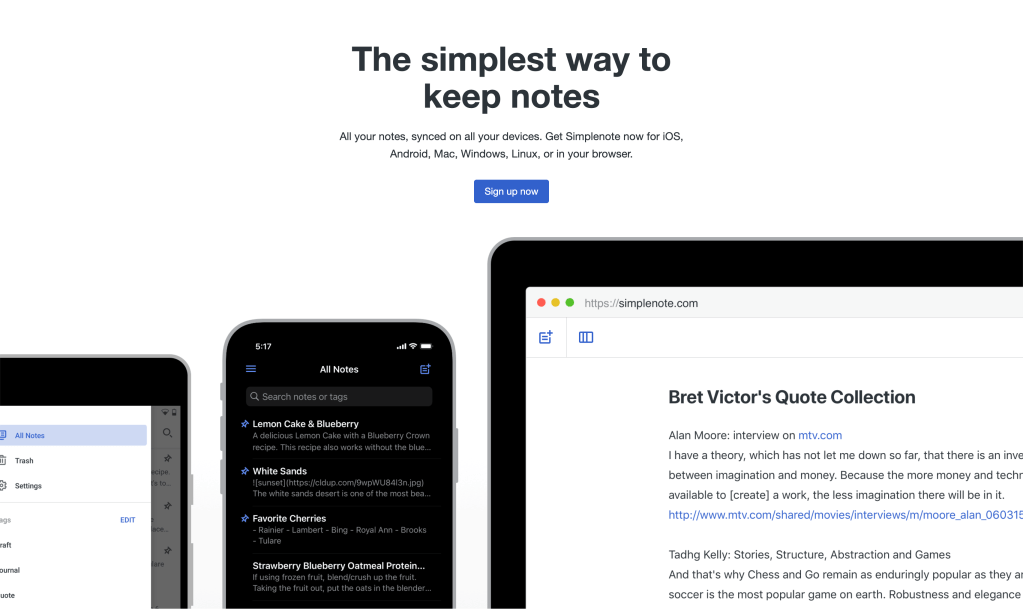
Simplenote is a lightweight note‑taking app for iOS, Android, Mac, Windows, Linux, and your browser. It’s been around since 2008, and like many of Automattic’s products, Simplenote is open source and free. Mark launched a read‑only version on April 15. The hackathon was a chance to go further.
Radical Speed Month (RSM) was a single month where Automattic employees stepped away from their regular work to pair up, build, and ship a passion project. The hackathon started on April 22, and by May 8, Mark and Evan had already shipped a new version of the MCP. Neither Mark nor Evan works on Simplenote day-to-day. Mark is on domains, Evan on marketing technology.
“I have been a Simplenote user for 10 years. I’ve always really loved it, and I have a gazillion notes,” explained Mark. “And back in February, I wanted an excuse to write an MCP server because I had never written one before.”
Designing for Data Safety
As Mark put it, “The last thing we want is to put a tool out and have an LLM run wild and delete somebody’s notes.”
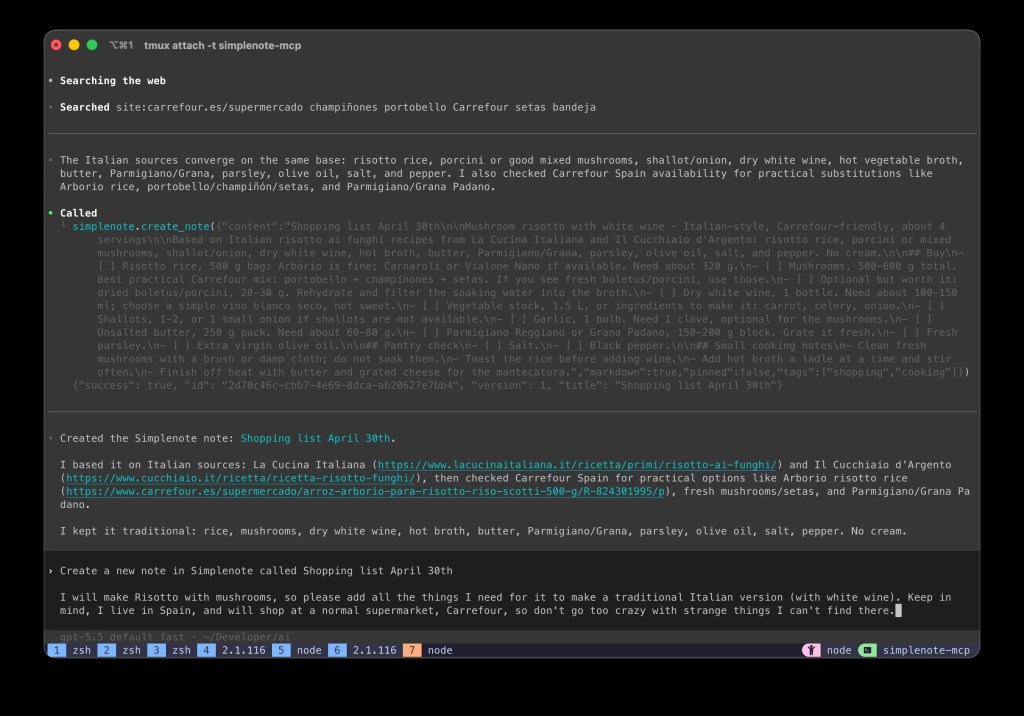
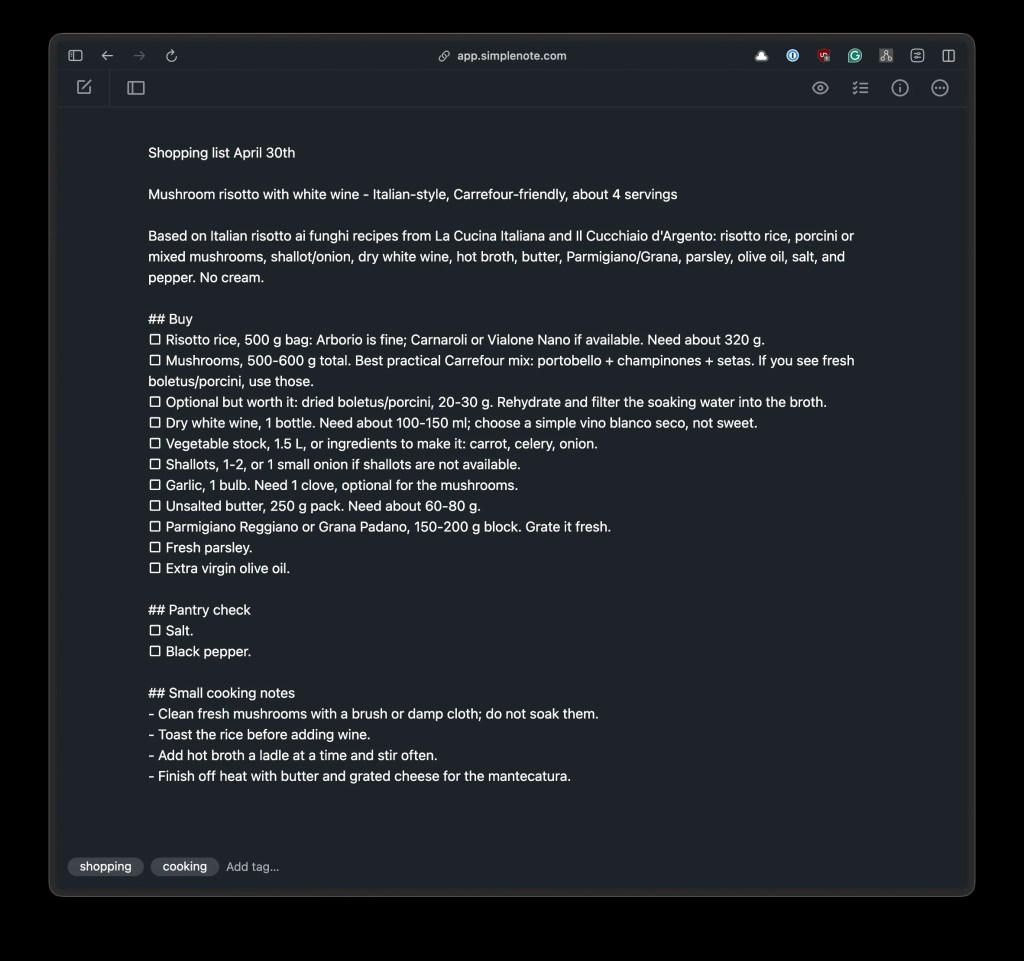
At first, the MCP tool was Mac-only and read-only (list, search, get). Opt-in write tools (create, update, trash, restore, revert) were the obvious next step. The MCP spec lets a server tag each tool as either read-only or destructive.
Part of the work involved quantifying LLM guardrails, turning vague safety concerns into concrete numeric thresholds.
Before enabling writes, Mark and Evan added several data safeguards:
- Discoverability: The MCP write tools are not exposed when the MCP is in read-only mode, so LLMs can’t discover them by accident.
- Content protection: There are also limits to how notes can be updated—text can’t be replaced by large amounts of white space, and updates can’t drastically shrink or blank out a note.
- Recoverability: Notes may be added to the trash but not deleted, so they can always be restored.
- Rate limiting: Bulk operations are blocked, too. If the MCP detects more than five write operations within 30 seconds, it stops.
“If you have a note that is above a certain length, and that length changes by more than 50%, we block it,” Mark explained. “Let’s say you have a note that’s a dozen paragraphs long, and the LLM does something wacky and tries to wipe it out with just a single sentence… the rate limiting will prevent that.”
Designing for Telemetry
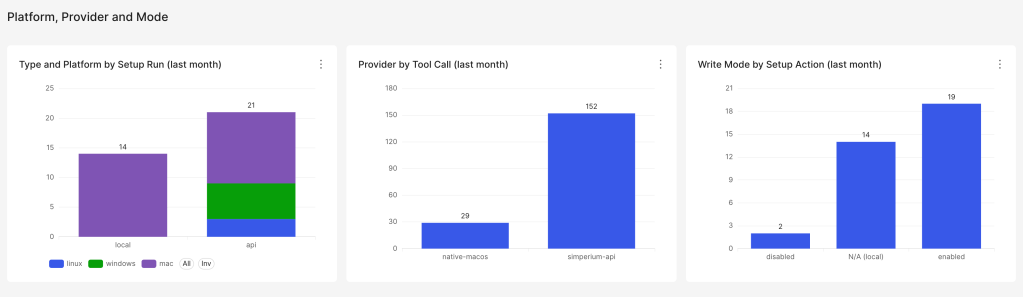
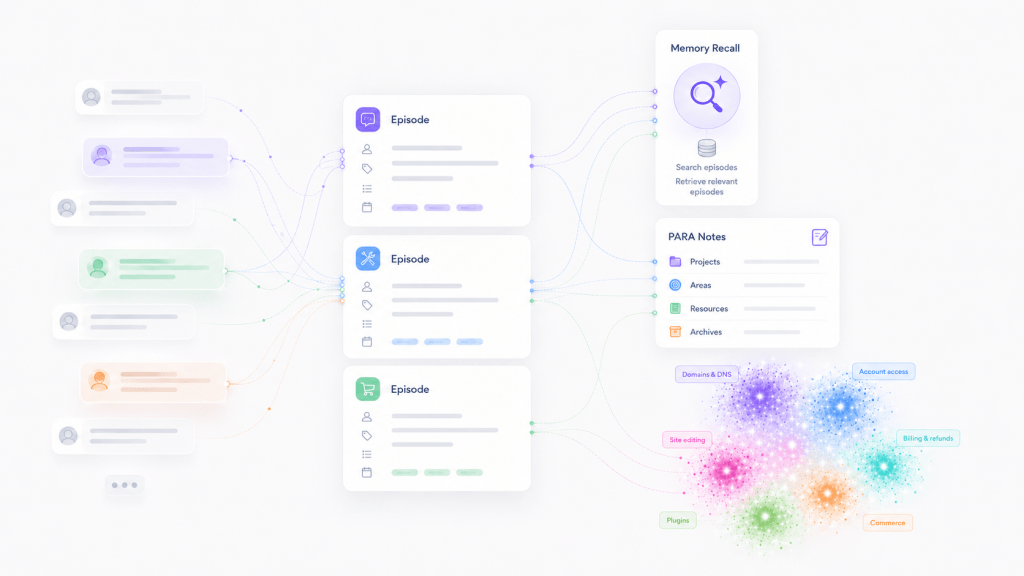
The MCP only records two data event types: setup run and tool call. That may look like it wouldn’t be enough. But those two event types answer more questions than you’d expect. The telemetry records data on adoption, stickiness, tool popularity, and connector preference.
Instrumenting an MCP server without leaking user data was part of the project.
“On a technical level, we generate a random or a unique ID,” explained Evan. “It’s just an ID for the install. And then we track very minimal data…. So we can see that this random user ID ran the tool ‘get note.’ While we don’t see which note or anything like that, we still get worthwhile usage stats.”
One way to use Simplenote is on a Mac with a local install rather than in the browser. This way of using Simplenote can be fully offline, so notes never get to the web. The MCP also works with this setup.
Users can also opt out of tracking completely with a single command.
We both spent a lot of time making sure we understood what the AI was doing and whether it was the right way to do it.
Mark Biek
How they built it
Connecting AI to Simplenote was only half the story. AI also helped build it.
“We worked really hard at not just vibe coding this, letting the AI crank out whatever and not knowing what it was doing,“ Mark explained. “We both spent a lot of time making sure we understood what the AI was doing and whether it was the right way to do it.”
The team applied guardrails to their own process, not just to the LLM’s behavior at runtime.
“We didn’t just say, ‘hey, build me an MCP server,’” added Evan. “We had the documentation and the scope of the project lined up. We used issues in Linear, pull requests, and automated tests, kind of like guardrails around the AI.”
Working with multiple AI tools created a separate problem: keeping the codebase consistent.
“The agents’ markdown files, which definitely helped to keep [the project] on track, made it easy to review, and ensured that, in the end, it looks like a uniform code base,” Evan said. “It’s not like parts of it look different depending on which AI agent or which prompts we used.”
This is especially important because Simplenote MCP and Simperium, the open source sync backend that powers Simplenote, are both publicly available on GitHub.
“This is available as an open source project,” said Mark. “People could fork it, people could submit their own enhancements or bug fixes to it. And so we wanted to make sure that the project was organized from that perspective as well, in case there are outside contributors who want to add anything.”
The number of open source contributions the project receives is just one of the metrics the team will watch.
“I think it’s just going to be: are people using it?” said Mark. “That’s the first level of success. We don’t have a number in mind. But if anybody’s using it at all, I’m going to be excited.”
He added: “A second layer of success would be if we actually started getting some outside contributions.”
The Simplenote MCP shows a pattern other teams can copy: Set numeric limits on writes, so an LLM can’t run wild. Record which tools ran on which platform, but never what the user wrote. Let users turn telemetry off with a single command. Apply the same discipline to how the AI writes the code as you do to how it runs at runtime. None of this is technically difficult. It just has to be decided early.
The new Simplenote MCP currently works with Claude Desktop, Claude Code, Cursor, VS Code (Copilot), Zed, Cline, Windsurf, and anything else that speaks MCP. Give it a try, and, in the comments below, please let us know what you think.






Leave a comment